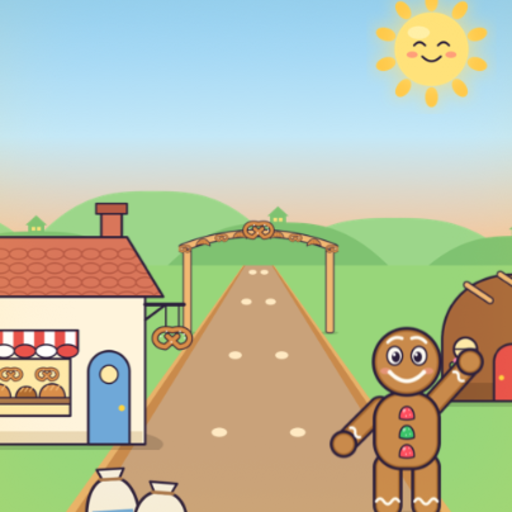
Fairy Trail Run
A silly fairy-tale running game for little kids.
Coming soon
App Store
iPhone · iPad · Mac · Ages 5 and under
A silly fairy-tale running game for little kids.
iPhone · iPad · Mac · Ages 5 and under
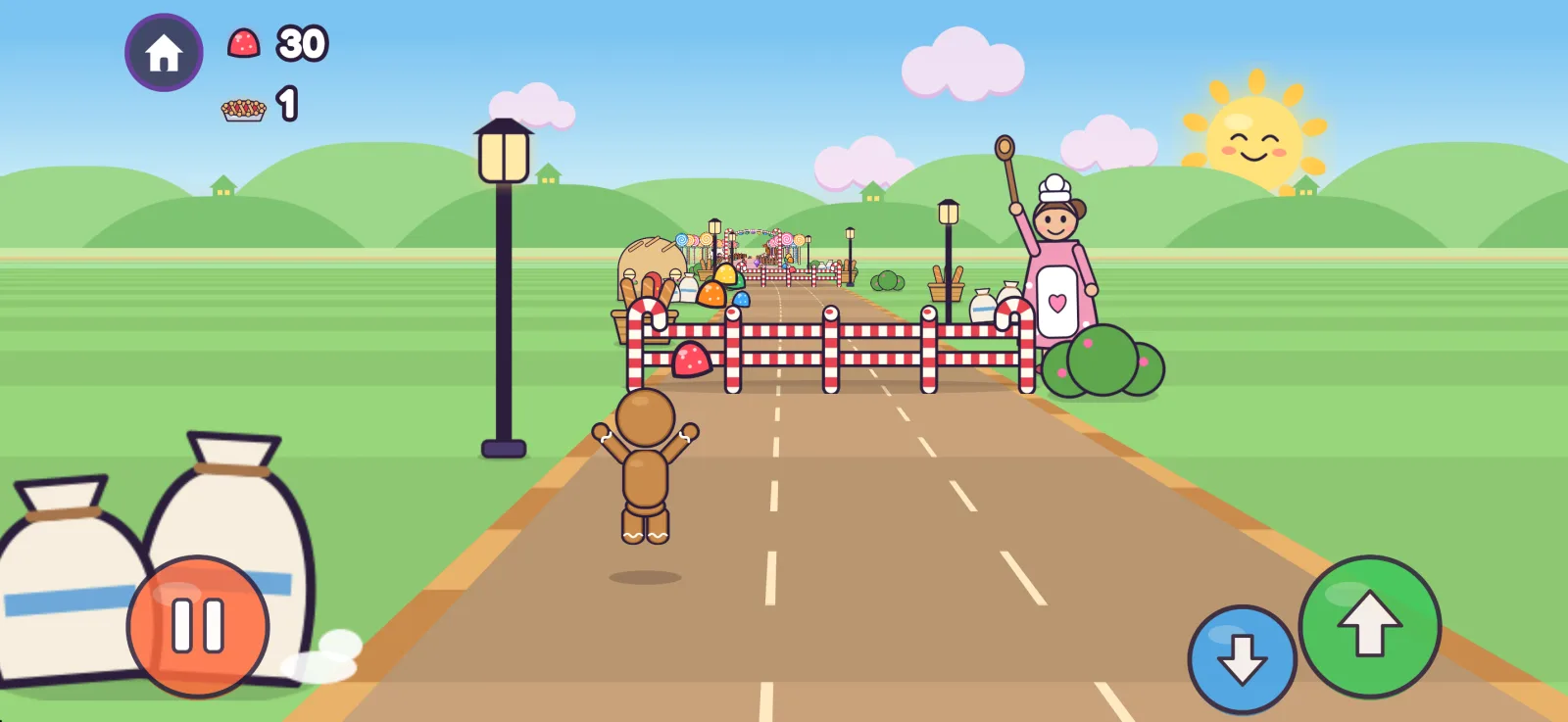
Swipe or tap the big buttons to run down a storybook path. No reading, no rules to learn, and nothing sad. Ever.
Gumdrops, candy corn and cherry pies all along the path. How many can you catch?
Hop over candy-cane fences, duck under flapping flags, and wait for the cookie to roll by.
Grab the green gem to zoom super fast, catch extra candy and pop everything into confetti.
Bump into something and you squish flat as a pancake, then boing right back up and keep running.
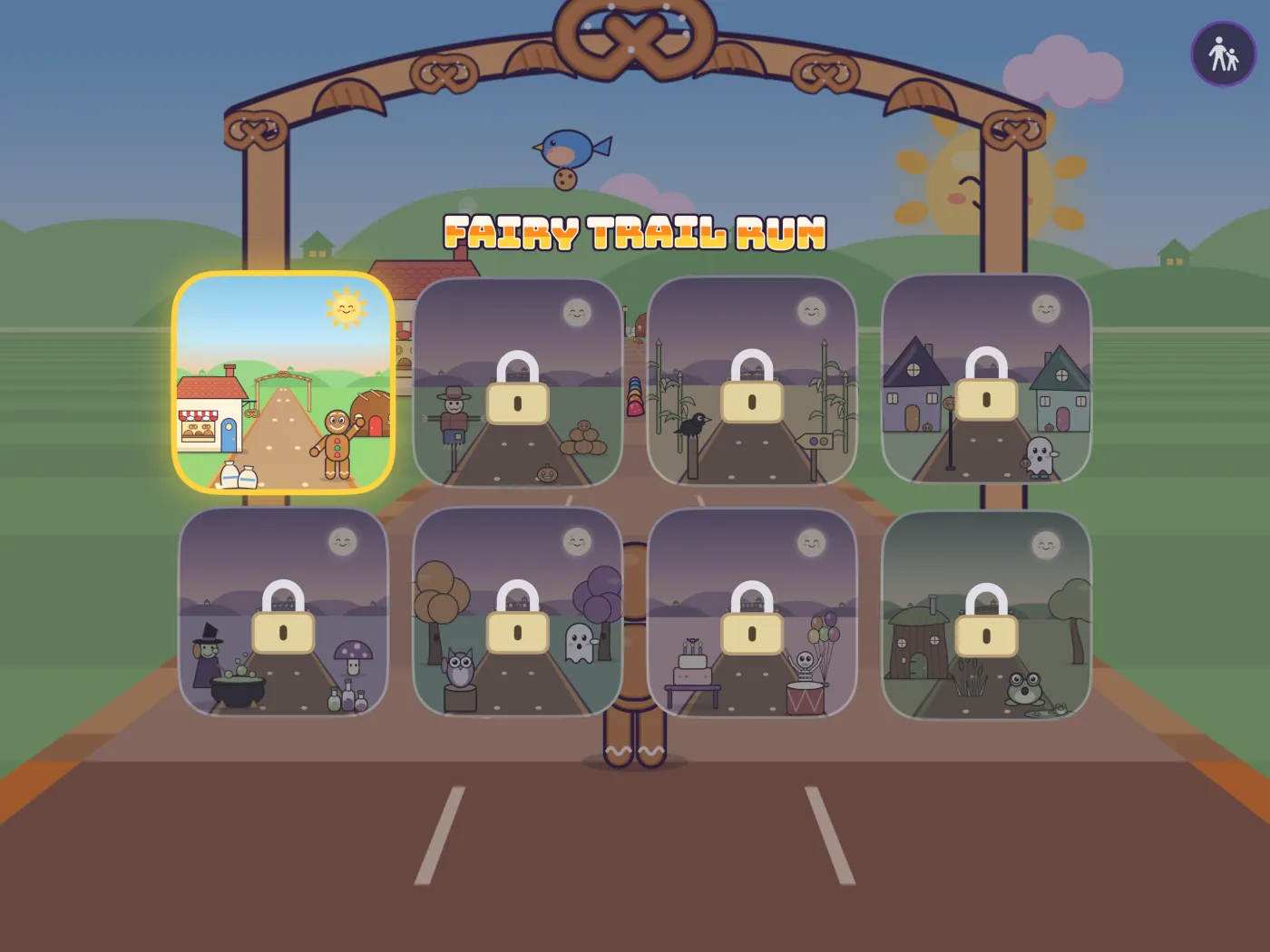
Each trail tells a little story, with its own runner, its own silly things and its own high score. More fairy tales are on the way.
Run, run, as fast as you can! From the bakery through the candy meadow to a tea party at the castle. Watch out for the fox!
A skeleton superhero runs from the pumpkin patch to the monster party. Cute, never scary: smiling moon, rosy-cheeked ghosts.
Frogs, mud puddles, a donkey pulling a pumpkin coach, and a castle at the end of the road.
Made by a parent and a very serious 4-year-old art director.
Answers for grown-ups.
On the home screen (where you pick a trail), tap the round button with two figures in the top-right corner, then answer the grown-up question. Settings include unlocking trails, Restore Purchases, turning sounds off, rating the app and acknowledgments.
Open the grown-ups settings and tap Unlock. It's a one-time purchase that unlocks every trail, including trails added in future updates. When a child taps a trail with a padlock, the grown-ups button gives a little bounce to show where to go.
Sign in with the same Apple Account, open the grown-ups settings and choose Restore Purchases. The purchase works on iPhone, iPad and Mac, and with Family Sharing turned on, the rest of your family gets it too.
Open the grown-ups settings and switch Sounds off, or turn the device volume down.
None. High scores and settings stay on the device. See the privacy policy.
Questions, a bug, or a fairy-tale idea from your own little art director?